Assignment Status shows the progress of each assignment in your class.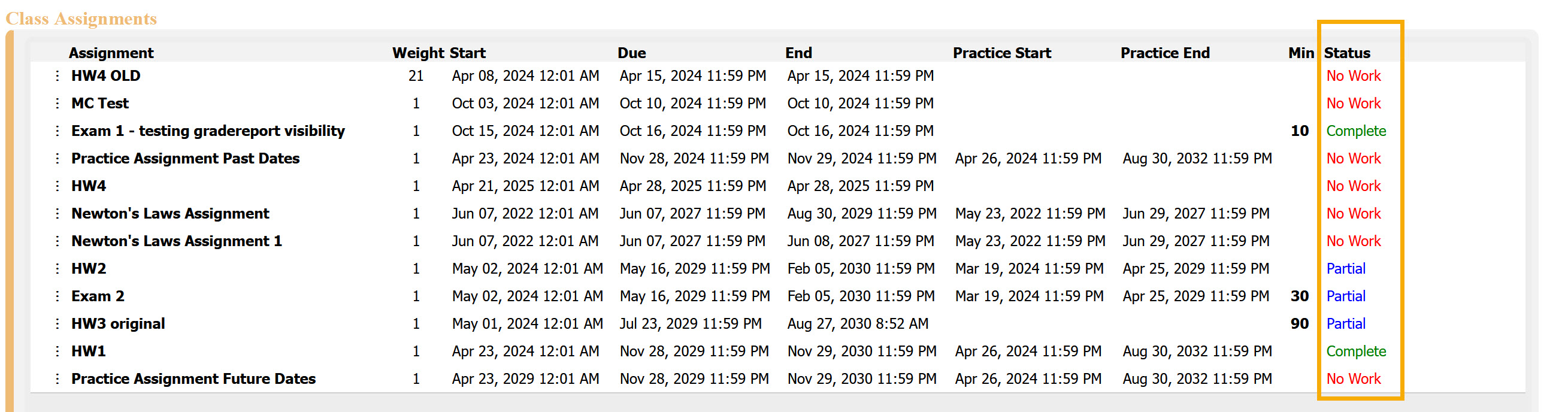
Status Types
No Work – You have not started the assignment.
Partial – Some of the assignment has been completed, but it is not yet finished.
Complete – The assignment has been fully completed.
The Assignment Status helps you quickly see which tasks still need attention and which are finished. However, they are not always an accurate reflection of your assignment status. You can always check View/Manage Class Grades or View Grade Report (shows your detailed work) to see your grades or confirm what you completed in an assignment.
Was this article helpful?
That’s Great!
Thank you for your feedback
Sorry! We couldn't be helpful
Thank you for your feedback
Feedback sent
We appreciate your effort and will try to fix the article