The Change Password option is found in the My Account menu on the Class Management page. Clicking it allows you to update your password at any time.
To change your password:
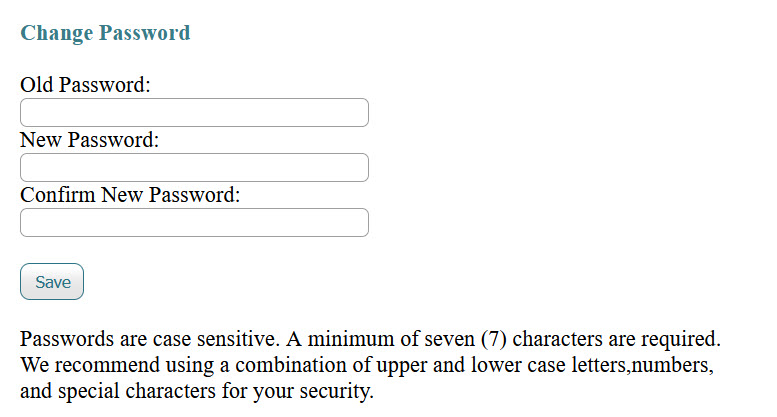
Enter your old password.
Enter your new password and confirm new password in the fields provided.
Click the Save button to apply your changes.
Important:
Passwords are case sensitive.
A minimum of seven (7) characters is required.
For better security, we recommend using a combination of uppercase and lowercase letters, numbers, and special characters.
Was this article helpful?
That’s Great!
Thank you for your feedback
Sorry! We couldn't be helpful
Thank you for your feedback
Feedback sent
We appreciate your effort and will try to fix the article