You may see a “Wrong number of arguments to operator” error when submitting your answer.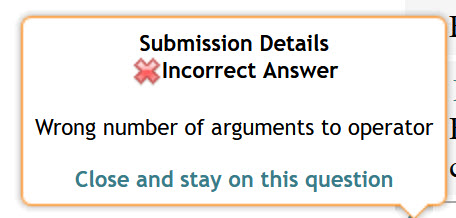
This usually happens when there is a hidden or incomplete entry in the answer field, often caused by entering and exiting superscript (exponent) mode without fully clearing it.
Example:
- Enter
a^busing the superscript button - Click the subscript (down arrow) button to exit the exponent
- Use the arrow keys to move the cursor back into the exponent, just to the right of
b - Press Backspace
At this point, a hidden space can remain in the answer field. If you submit the answer now, you will see the “Wrong number of arguments to operator” error.
How to Fix It:
- Click the Clear button on the palette to remove the entire answer
- Re-enter your answer carefully
Note: This error does not count as a submission attempt and does not apply a deduction.
Was this article helpful?
That’s Great!
Thank you for your feedback
Sorry! We couldn't be helpful
Thank you for your feedback
Feedback sent
We appreciate your effort and will try to fix the article